Showing posts with label IT. Show all posts

Wednesday, March 14, 2018

Minecraft to help with coordinates


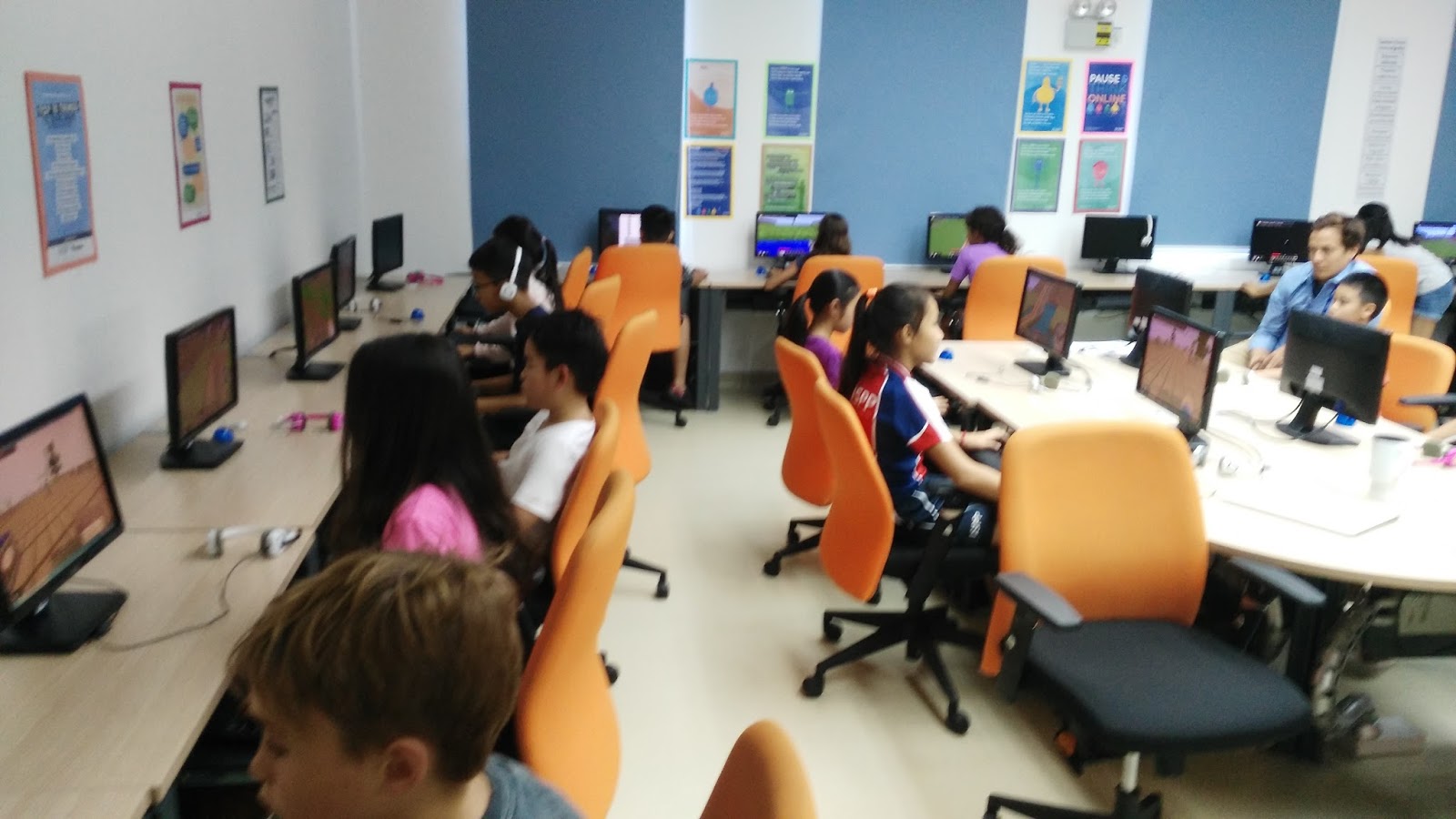
This week saw the class very excited to play mine-craft. Mr Matt has created a mine-craft activity to help children read coordinates (map reading)


It was not as easy as some in the class first thought with them having to find up to 5 different locations in the mine-craft world. Once found they each received a prize that they can use to make their character more interesting. The most found was 3.


We do have one more session next week. I hope we will get better at reading coordinates.


Saturday, January 13, 2018

Mr Matt PPYFF

On Friday Mr Matt spoke to the grade 4 classes to promote the upcoming Phnom Penh Youth Film Festival (PPYFF). He showed them some film clips that previous ISPP students had entered in previous years.
Check out their PPYFF webpage


Now it is up to those that want to be involved to start writing their scripts, plan and then start filming.


Mr Matt stressed to everyone the first step is to write a script then get your group together. Don't have to many people in your group as it is hard to get everyone together. Practice your acting first before even picking up a camera. Finally it is the editing stage.


He also reminded them that when they do come to record to think about sound and speaking clearly so the audience can hear you. He also mentioned that this is something they have to do in their own time unless their teacher gives them some time during the week but not to rely on it. They also do not have to be children from ISPP as long as they are 8years and above. No adults can help with editing and the creating process, but can act as long as they are given direction from the director.


Check out this link to see previous years videos.

PPYFF youtube videos

Thursday, October 12, 2017

Photo Editing with Mr Matt

Today we had our first session with Mr Matt our IT coach on photo editing.

Mr Matt talked to the class on the importance of making sure they get permission before they use any photos to edit. Whether that be using images off the internet - always use "reuse with modification" images  or using a photo of a friend.
Get their permission first.


Today they just looked at layering photos and next week they will look at how to cut these out and manipulate on the page.

Mr Simon thinks he looks cool...


Wednesday, August 23, 2017

Digital Citizenship with Mr Matt

Today Mr Matt came into our class to talk to the class about "Digital Citizenship".

He reminded the class that his role was to educate the children on how to keep safe on the internet
He talked about never giving information out to any one you don't know - passwords, log ins etc.


He told the children that it was their responsibility to not share passwords and if someone does ask, tell their parents. He also told the children that it was important to only share your passwords and logins with your parents so they can check and in case you forget.


He introduced a game by google called "Interland" created to help educate adults and children how to keep safe.
Interland is free online game that has 4 parts to it

1) Reality River - Don't fall for fakes
2) Mindful Mountain - Sharing on internets - Sharing with Care
3) Tower of Treasure - Secure your secrets. How to make tough passwords
4) Kind Kingdom - It is cool to be kind. How being rude/acting bad on the internet affects others (being mean)

Interland link

Click on the link above to explore the world of Interland. I wonder how the parents will get on?


Wednesday, May 3, 2017

Minecraft

As part of our unit of inquiry into "How markets exist", the class gets to play "Minecraft".


A game Mr Matt has designed around our unit of inquiry. The class works in small groups and have to work together to grow products and then sell them in the local market.


Throughout the game they have tasks they have to complete while not dying. They have to keep themselves healthy while making money to build things for their farm. The class are excited to play minecraft and the conversations happening between groups as they allocate tasks is great.


Sunday, April 23, 2017

Marketplace Trailer - Minecraft

Mr Matt is excited to learn about marketplaces using Minecraft this unit. So he thought you might like to see a little preview of our world

Friday, January 27, 2017

Stop Motion App

This week the class have been learning how to use "Stop Motion App" to create a narrative story. The app is similar to Lego Movie Stop Motion App.


The class had to first come up with a story line and crete a story board for it. Bring in what they needed and this week have just been taking their photos.

For a 10 second movie they need to take up to 100 photos. It takes a lot of patience and planning ensuring they do not move the camera.
It has been great fun.

Next we will learn how to add sound affect and use green screen to make our movies more effective.


Check out the movie Jade and Lucy did at home over the weekend.


Tuesday, October 11, 2016

Imovies with Mr Matt

Today the class had a session with Mr Matt to revisit how to make movies using imovies.

He told them that the most important part in making any movie is the editing. He reminded the class how to use the different editing tools on imovies.


The class then went off and created a quick 2minute movie and editing it using the various tools. Some very funny movies made in the short time.


There sure was a lot of giggling and creativity going on.


Wednesday, September 7, 2016

Digital Citizenship Skits

Today Mr Matt came into the class to take his second lesson on digital citizenship.

He talked to the children about the importance of logging off the device they are on when they have finished working on it.


They then had to pair up and do some role play skits on what not to do with devices. It was great fun.

Thanks Mr Matt.